How to Photograph a Pet for the Best AI Relighting Results
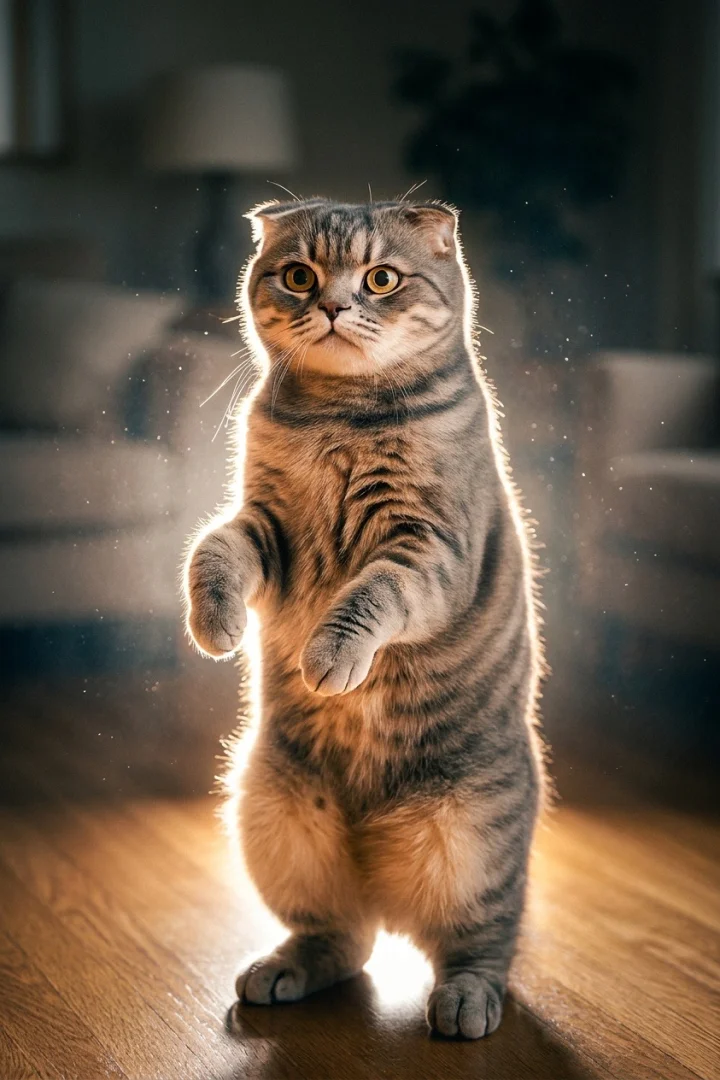
Pet photos have their own specific quirks compared to human portraits, and a few small adjustments noticeably improve how well an AI relighting effect turns out.
Get down to their level
A photo taken from a standing height, looking down at a pet, gives the AI a less flattering, less clear structure to work with than one taken at the pet's own eye level.
Wait for a moment of stillness
A sharp, in-focus pet photo — even a quick one between movements — gives noticeably better results than a motion-blurred shot, since blur can't be undone by relighting.
Try to capture some fur texture and outline
Effects like a glowing rim light rely on visible edge detail (fur, ears) to look convincing — a photo where the pet's outline is clear against the background gives the AI more to work with.
Do these effects work on any kind of pet, not just cats and dogs?
In principle yes — the AI is working from the shape, edges, and lighting in the photo itself, not a species-specific model, so the same general photo-quality advice applies broadly.